The standard library establishes the criteria to assign value levels to assets.
However, you may switch off some criteria. Select the criterion and click ON / OFF buttons on the bottom.
Off criteria are not removed from the model. The only effect is to remove from the presentations, removing unnecessary information from the screens.
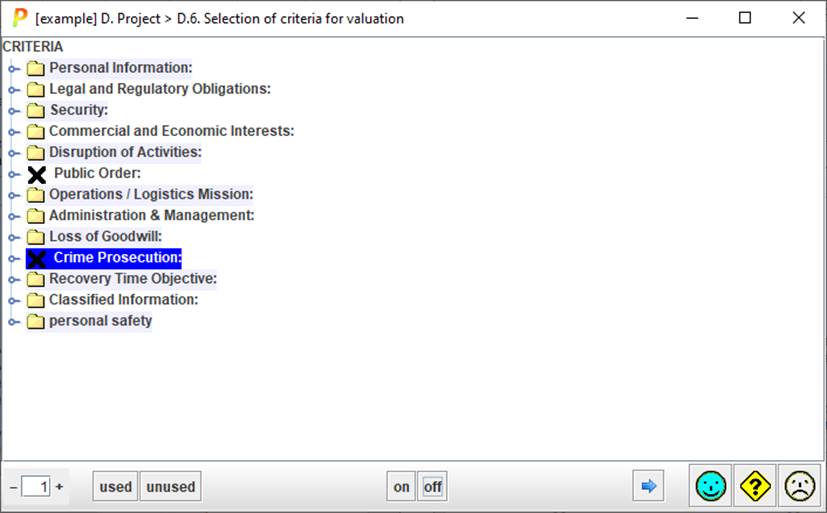
Basic use: select one or more criteria on central panel and click bottom ON / OFF buttons to select / unselect the criteria.
|
|
Select the level of expansion of the tree. |
|
used |
Selects those criteria currently used in the risk analysis project. |
|
unused |
Select those criteria that are not currently used in the risk analysis project. |
